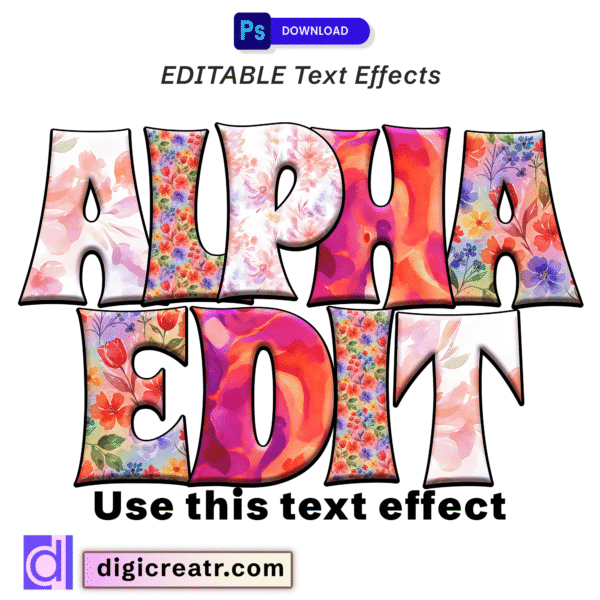
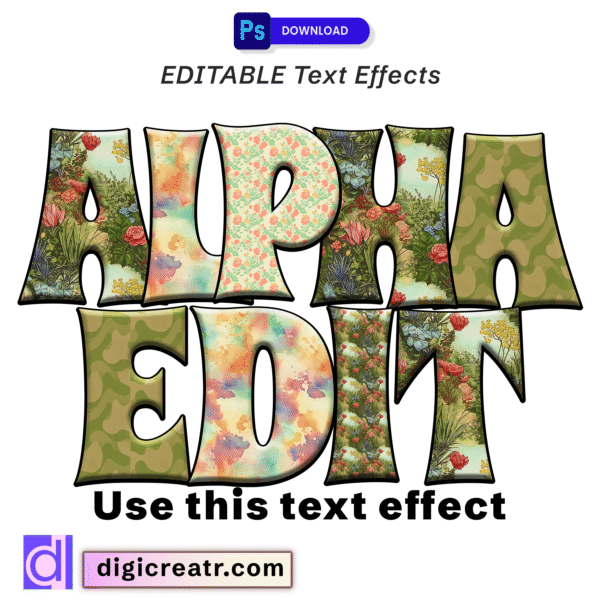
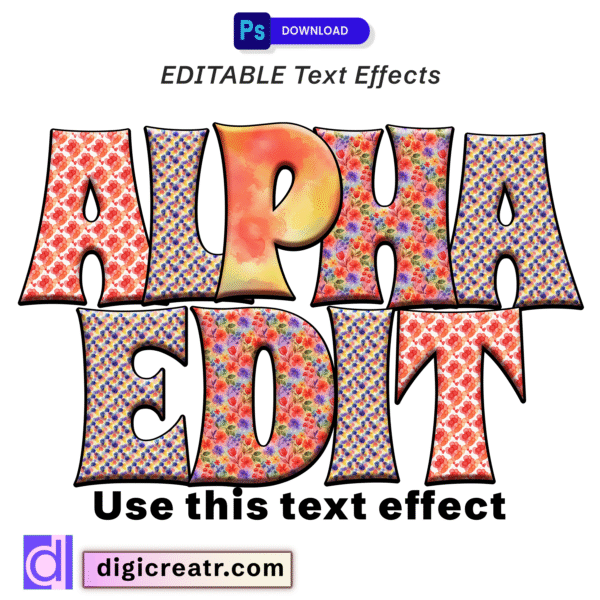
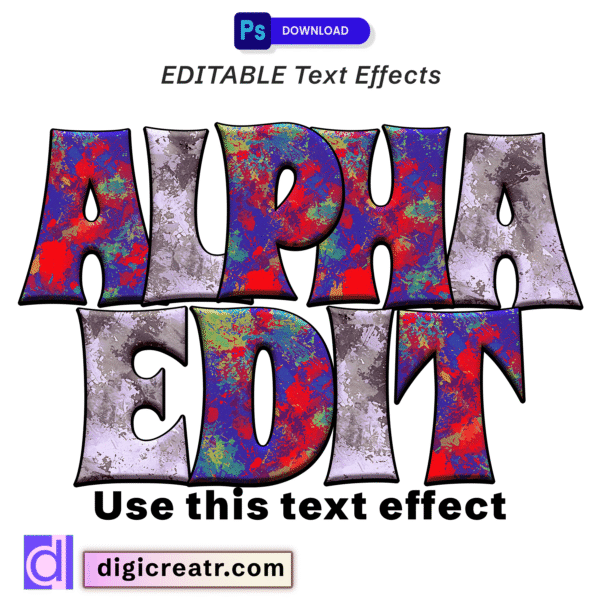
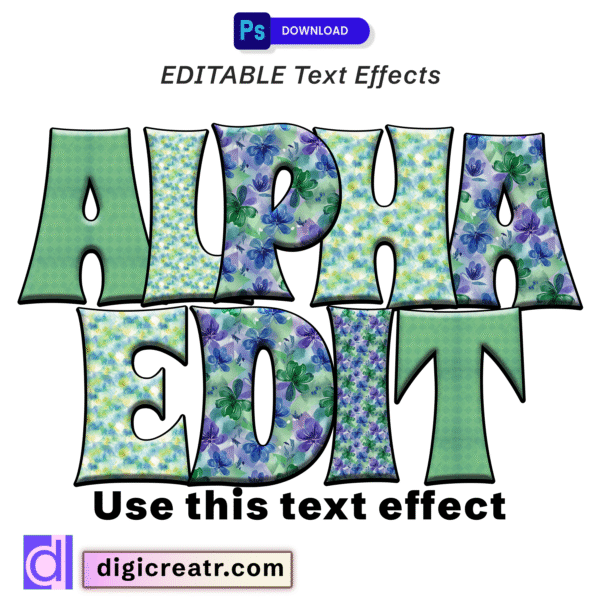
Unleash your creativity with our editable patchwork floral Photoshop text effect! Perfect for graphic designers seeking distinctive, customizable mixed pattern typography for crafters and artists to add unique, handcrafted flair to their digital and print projects. Instantly transform your text with charming fabric-inspired designs!
1. Product Description and Title
Product Title: “Patchwork & Floral Photoshop Text Effect – Editable Mixed Pattern Typography for Crafts & Design”
Description:
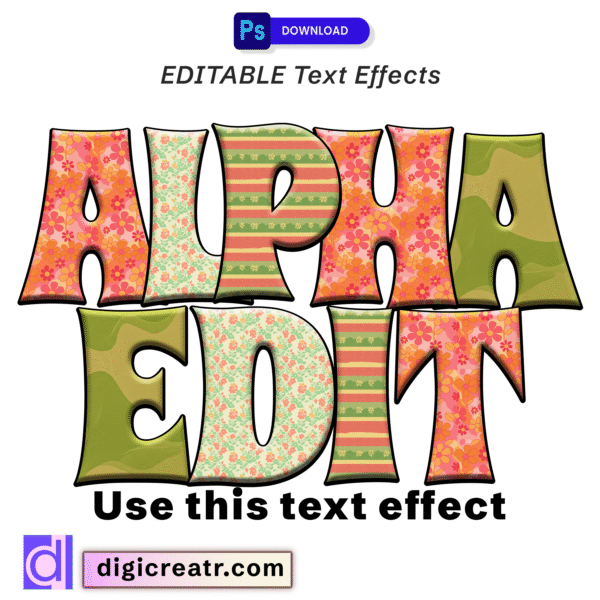
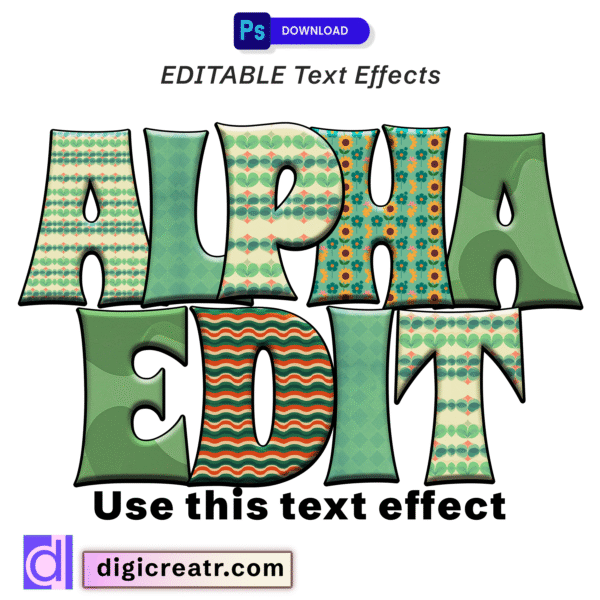
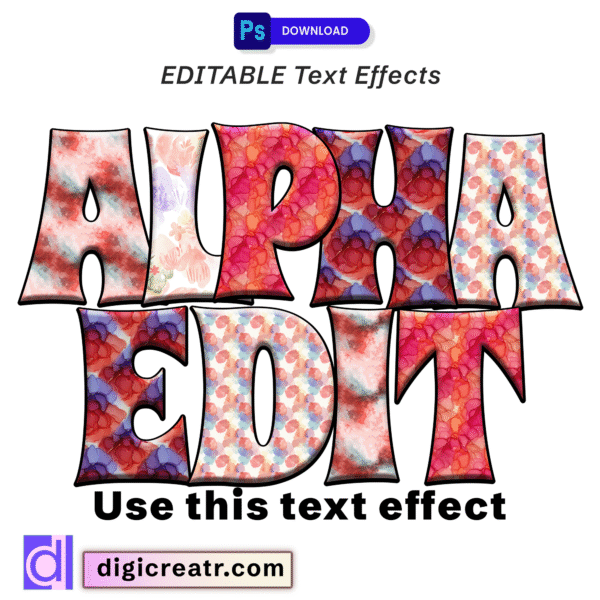
Downloadable Photoshop text effect offering editable and customizable text styles. The design features bold, uppercase letters with a unique patchwork-like appearance, incorporating various patterns such as small floral prints, geometric textures, and some watercolor blending, predominantly in red, blue, purple, and yellow tones. Each letter has a clear black outline.
For Graphic Designers:
- Key Features: “Editable,” “customizable,” ”free download,” Photoshop compatible,” “easy to use,” “distinctive aesthetic,” “versatile for creative branding,” “time-saving.”
- Benefits: Quickly apply a charming and intricate patchwork-style effect to text, experiment with different fonts and arrangements, add a unique handcrafted or whimsical flair to designs, perfect for projects requiring a touch of warmth or complexity.
- Applications: Boutique branding, children’s book titles, invitations, social media graphics, product packaging (especially for handmade goods), unique event promotions, textile design mockups, craft fair signage.
For Crafters:
- Key Features: “Digital asset,” “printable,” ”free download,’ “adds unique texture and pattern,” “adaptable for various crafts,” “fabric-inspired look.”
- Benefits: Ideal for creating personalized items with a cozy, handcrafted, or vintage feel; perfect for custom apparel, unique home decor, or gifts with a textile-inspired aesthetic; suitable for digital scrapbooking, printable art, or sublimation projects aiming for a patterned look.
- Applications: Personalized quilts (digital mockups), custom t-shirts, mug designs, printable planners, art prints, unique stationery, party decorations with a rustic/patterned theme, digital fabric swatch designs.
2. Occasions for Use
This patchwork and floral design is highly versatile and could be used for a wide range of occasions and themes, especially those with a handcrafted, cozy, whimsical, or vintage aesthetic:
- Craft & DIY Events: Craft fairs, sewing workshops, quilting bees, handmade market promotions.
- Children’s Themes: Birthday parties, baby showers, nursery decor, children’s book titles, playful learning materials.
- Home & Lifestyle: Branding for home decor businesses, cozy cafes, unique gift shops, personalized home goods.
- Seasonal Themes: Autumn harvest festivals, spring garden parties, cozy winter events (with appropriate color adjustments).
- Personalized Gifting: Custom blankets (design concepts), unique cards, scrapbook elements, personalized apparel.
- Boutique & Artisan Branding: Logos, labels, and marketing materials for handmade goods, textile artists, or small batch creators.
- Community Events: Church bazaars, school fundraisers, community gatherings with a warm, inviting theme.